
Use this procedure to create a copy of you pi microSD. This is done on a windows pc with Win32 Disk Imager 1.0.
Insert your microSD card into your computer and note which drive its on. In my case is was drive D.
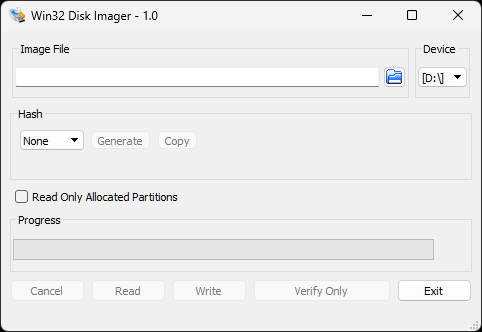
Then give a name to your image file on your computer.
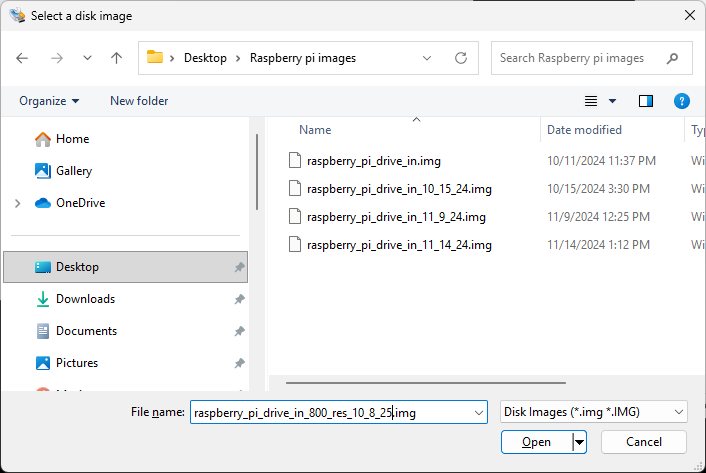
Then press “Read”. This is a long process so be patient.
Once complete you can use this image to make disks for the Pi SBC.